One-person support only scales so far. Once you have three humans answering, "who takes this one?" becomes the bottleneck. Lane.Chat's groups + routing solve it: conversations flow to whoever should have them.
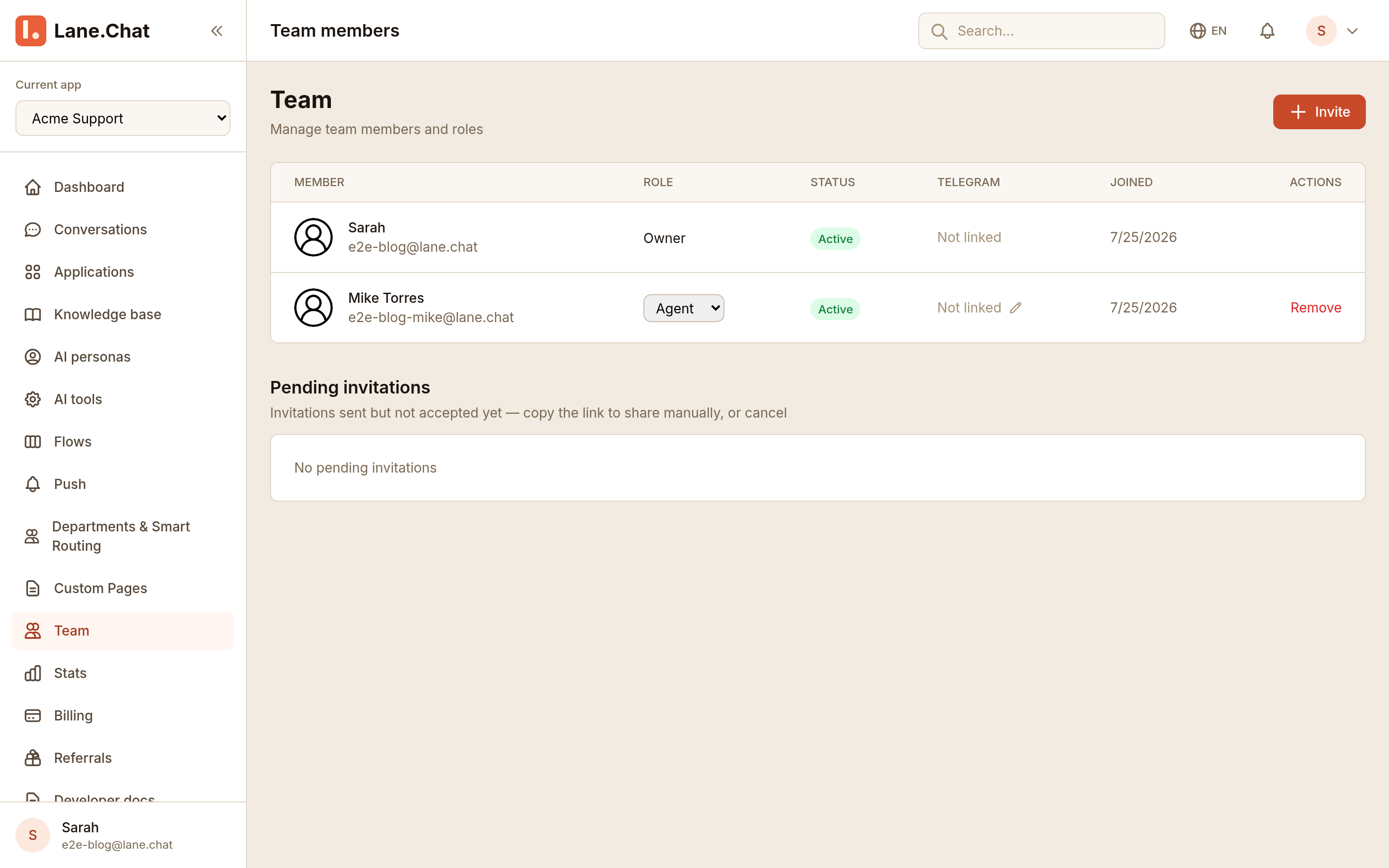
Step 1: Open team settings
Bottom-left avatar → Team, or Settings → Team. You're row one, role owner.
Step 2: Send invite emails
Top right Invite member. Type emails (Enter to separate multiples), pick a role, send. Each invitee gets a one-time token link valid for 7 days.
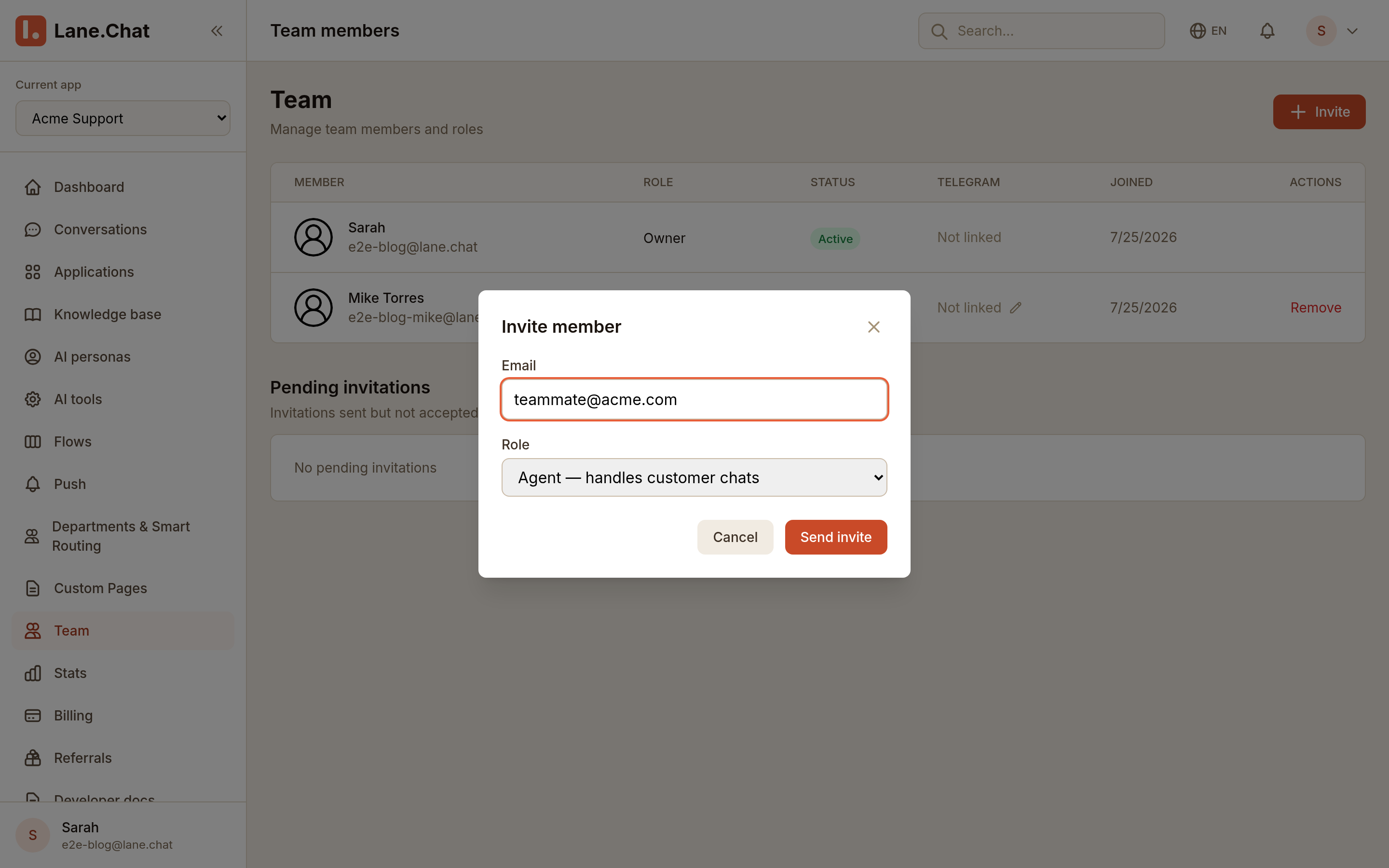
First login forces a password and 2FA setup. No skipping.
Step 3: Assign roles — admin / agent / viewer
Three roles, keep it simple:
- admin — change settings, build Flows, see billing. Your lead or founder.
- agent — take conversations, see their own metrics. Day-to-day support.
- viewer — read-only. Great for ops or analytics folks.
You can change a role anytime from the member detail page; it takes effect immediately.
Step 4: Create skill groups
In Settings → Groups, click new. Common splits: by language (English, Spanish), by topic (Billing, Technical), by product line.
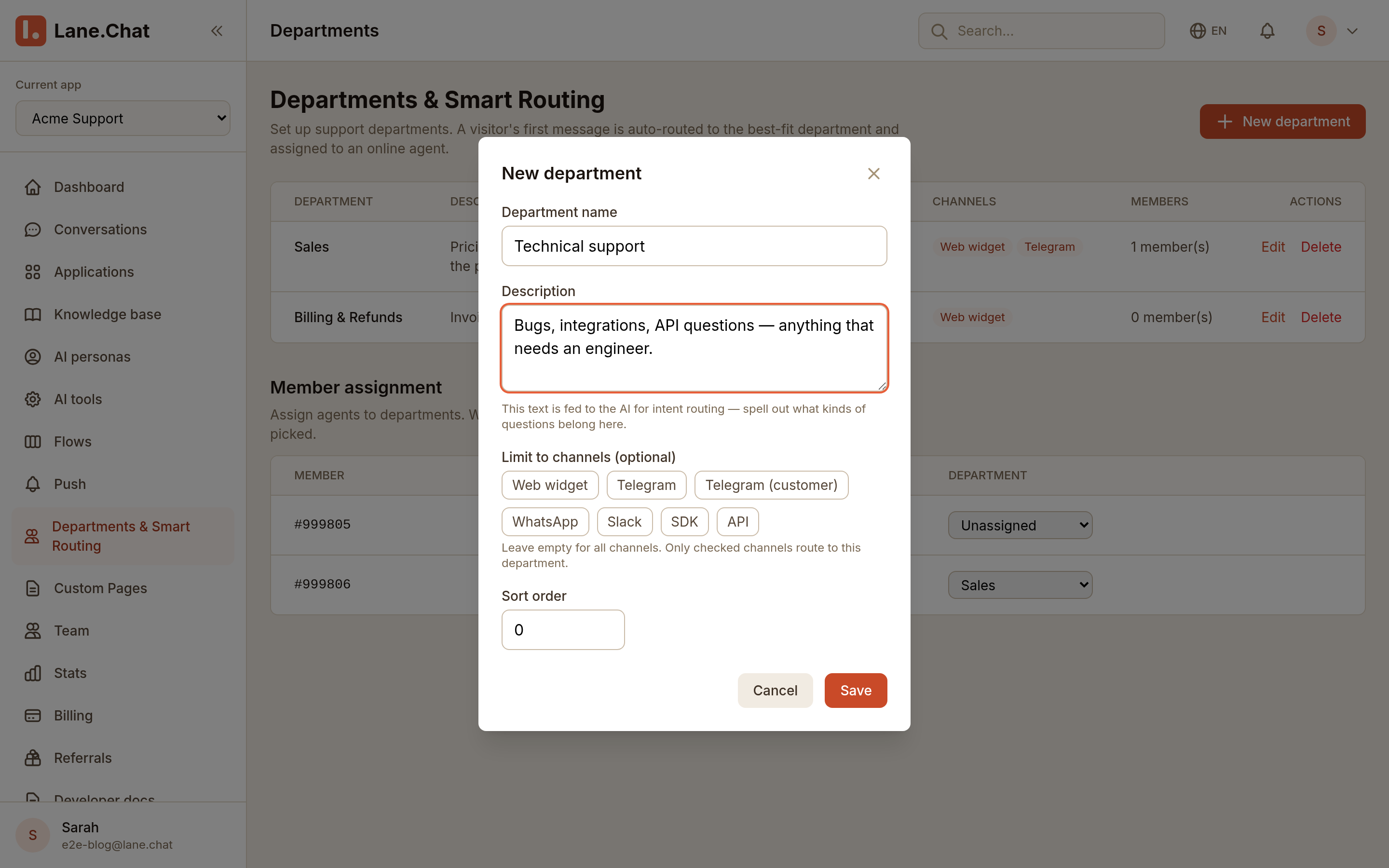
Each group picks members, an hours window, and a capacity cap (max concurrent conversations per agent). One person can be in multiple groups.
Step 5: Write routing rules
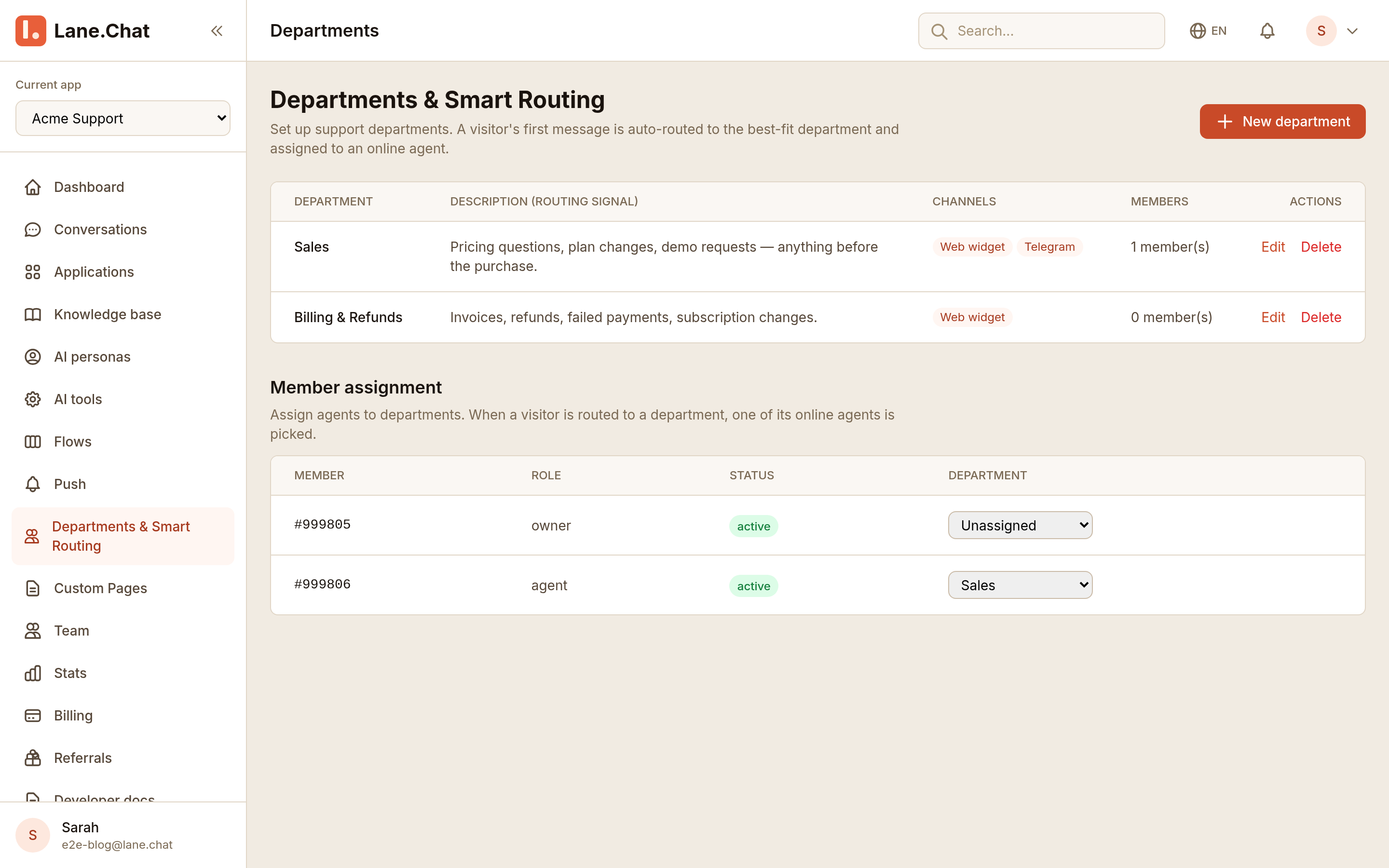
Settings → Routing rules → New. Combine conditions:
- Visitor language
== en-US→ English group - Last message contains
invoice|refund|charge→ Billing group - Otherwise → Default group
Rules evaluate top-down; first match wins. Drag to reorder.
Step 6: Smoke test it
Two browsers or two phones. One visitor types "how do I get a refund?" — should land in Billing. Another types in another language — should hit Default or the matching group.
Every routed conversation logs which rule fired in its audit trail. Look there first when something goes sideways.
截图清单 / Screenshots Checklist
01-team-list.png— Team list with current members and roles02-invite-modal.png— Invite modal with email and role fields04-new-group.png— New group setup with members and capacity05-routing-rules.png— Routing rules editor with multiple conditions