You can paste the widget script tag into a React app's index.html and it'll work. What you won't have is a way for your components to talk to it: no "Chat with us" button in your hero, no identify call when a user logs in, no theme swap when they toggle dark mode. @lanechat/react exists so the widget behaves like part of your app instead of a sticker on top of it.
Three steps: install, get your App ID, wrap your tree. Then a tour of the hook, because that's where the fun is.
Step 1: Install
npm install @lanechat/react @lanechat/jsreact 16.8 or newer is a peer dependency (hooks arrived in 16.8, and this package is all hooks). Current releases are 0.2.x for both packages.
Step 2: Get your App ID
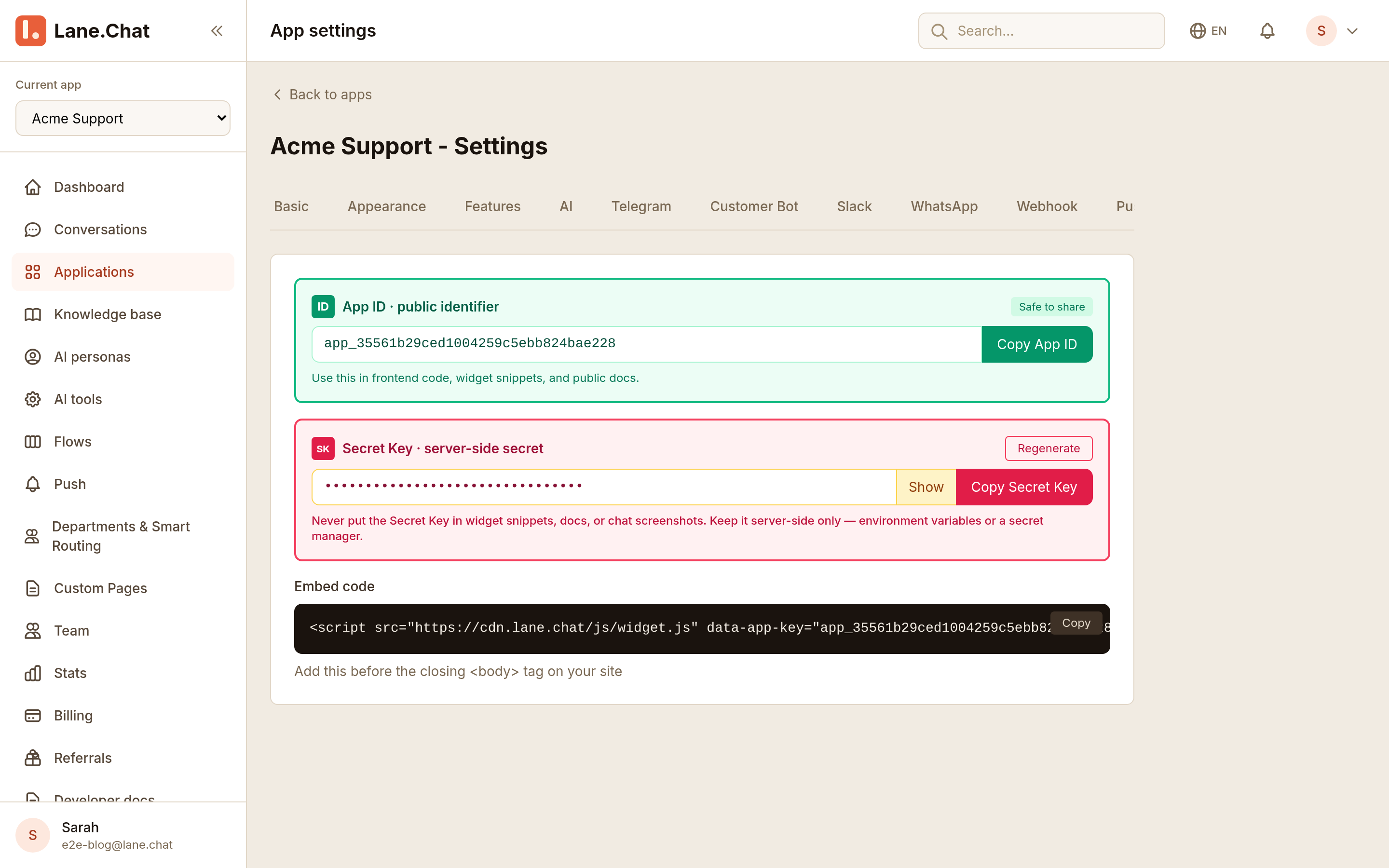
In the dashboard: Applications → your app → Settings → Embed tab. The green card at the top ("App ID · public identifier", with a Copy App ID button) is the one. It's marked "Safe to share" because it is: the ID identifies your app, it doesn't authorize anything sensitive. The red Secret Key card below it is for server-side work and never belongs in frontend code.
Step 3: Provider on the outside, hook on the inside
import React from 'react';
import { LaneChatProvider, useLaneChat } from '@lanechat/react';

function Hero() {
  const { open } = useLaneChat();
  return (
    <button onClick={open}>Questions? Chat with us</button>
  );
}

export default function App() {
  return (
    <LaneChatProvider appId="YOUR_APP_KEY">
      <Hero />
    </LaneChatProvider>
  );
}
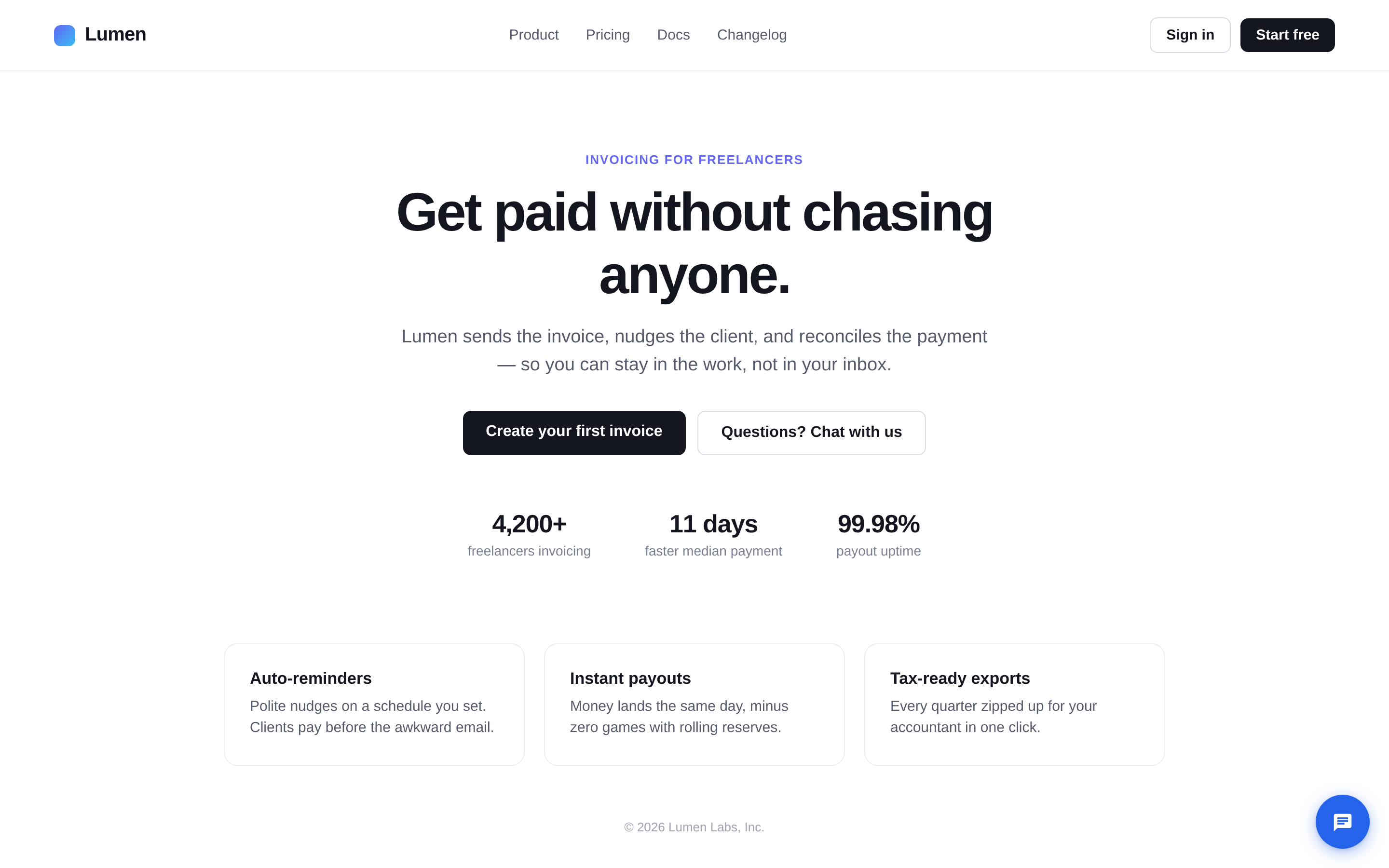
That's a complete integration. <LaneChatProvider> loads the widget and manages its lifecycle: change appId and it re-initializes, change the optional config prop and the changes apply in place, unmount it and the widget detaches. The launcher shows up on its own; the default look is a round blue button, bottom right.
One structural thing: there is no <LaneChat /> component to render. The widget mounts itself to document.body, outside your React tree, exactly like the script-tag version. The provider is a lifecycle manager, and the hook is a remote control.
Which leads to the one rule people trip on: useLaneChat() must be called in a component below the provider. Putting the provider and the hook in the same component (the temptation in a small App.jsx) means the hook can't see the context. In the example above, Hero is a child; that's the pattern.
The remote control
useLaneChat() returns more than open:
open(),close(),toggle(),isOpen()— panel controlisReady— whether the widget has finished loadingidentify(traits)— attach who this user isupdateTheme(theme)— restyle at runtimeon(event, cb)— subscribe, returns an unsubscribe functioninstance— the underlying widget object, for escape hatches
Every method is safe to call before the widget finishes loading: calls are buffered and replayed once it's up. So you don't need isReady guards around a click handler; it exists mostly for rendering decisions of your own.
Tell the widget who's chatting
The moment your user logs in, hand their identity over:
const { identify } = useLaneChat();

useEffect(() => {
  if (user) {
    identify({ email: user.email, name: user.name, plan: user.plan });
  }
}, [user, identify]);email, name, and phone are standard fields; they fill the visitor's profile if it's empty. Any other key (like plan above) is stored as a custom attribute. Both show up in the visitor panel your agents see next to the conversation, which is the difference between "Visitor #99890391" and "Jane, on the pro plan, asking about invoices."
Reacting to open and close
Two events exist: 'open' and 'close'. Subscribe in an effect and clean up with the returned function:
const { on } = useLaneChat();

useEffect(() => {
  const off = on('open', () => {
    analytics.track('support_chat_opened');
  });
  return off;
}, [on]);
That's the whole event surface — there is no message event and no unread-count API, so design around panel state, not message contents.
Next.js and SSR
The widget is a browser creature, but the package is SSR-aware. In the Next.js app router, put 'use client' at the top of the file where the provider lives. The widget only loads inside an effect, so nothing touches window during server rendering; before the effect runs, the hook returns safe no-ops and isReady is false. Calling the hook outside any provider also gets you no-ops rather than a crash, so components that use it stay portable into trees that don't have chat.
That's it
No config files, no build plugin, no manual script tag. A provider with an App ID, a hook where you need it, and identify wired to your auth. The widget handles the rest the same way it does on any other site — your React app just gets to boss it around.