Your first Flow should be boring and useful. Greet the visitor, catch a few common questions with keywords, and hand off to a human when you miss. Six steps, ten minutes, live.
Step 1: Open the Flow editor
Sign in to Lane.Chat, open Automation → Flow in the left nav, hit New Flow in the top right. Name it something obvious like "First contact." Pick Visitor starts a new conversation as the trigger.
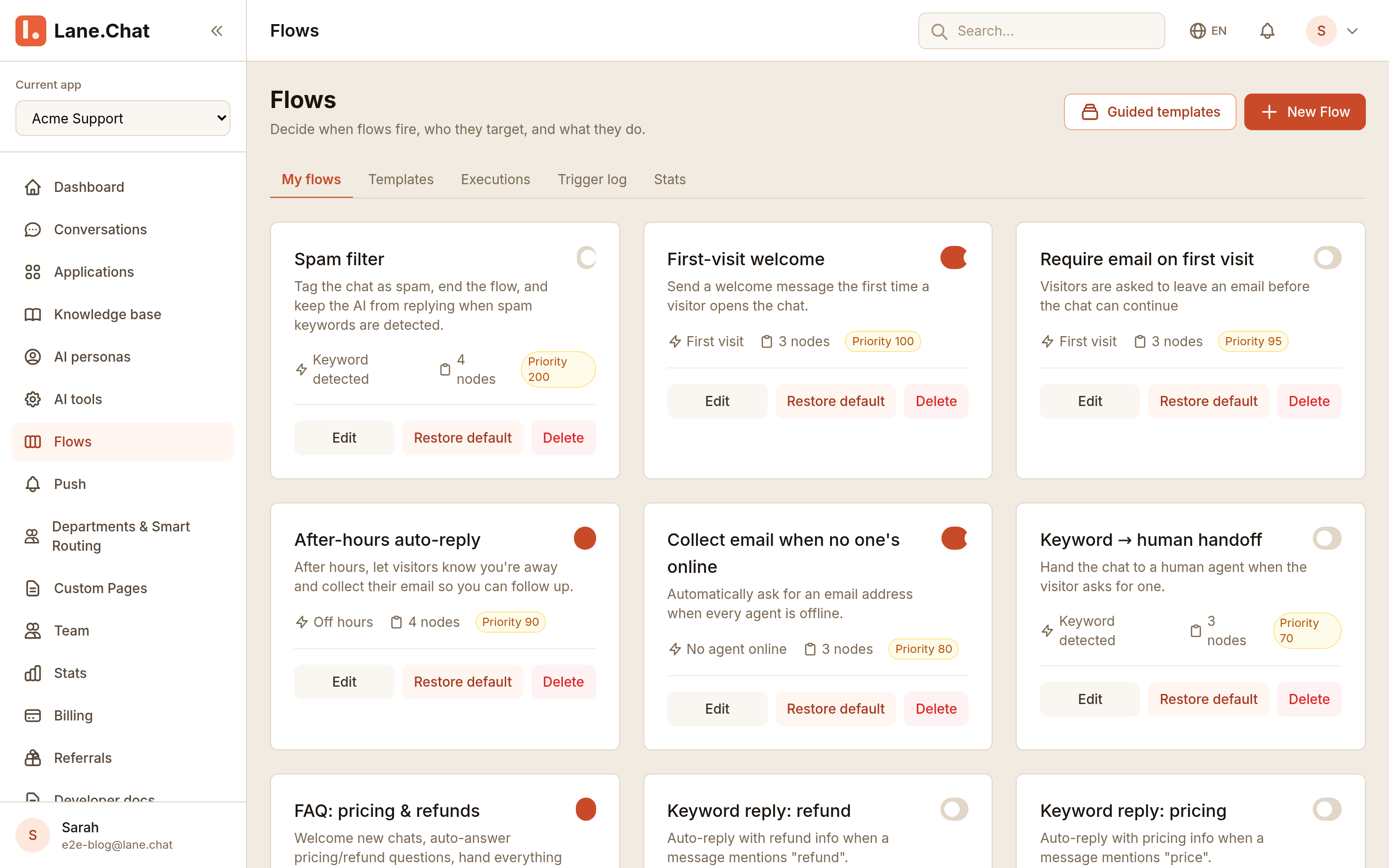
The canvas is in the middle, node palette on the left, selected-node config on the right.
Step 2: Drop a Welcome node
Drag Send message onto the canvas. Keep the greeting short: one hello, one hint at what you can help with. Example: "Hey — I'm Lane. Ask me about billing, your account, or bugs."
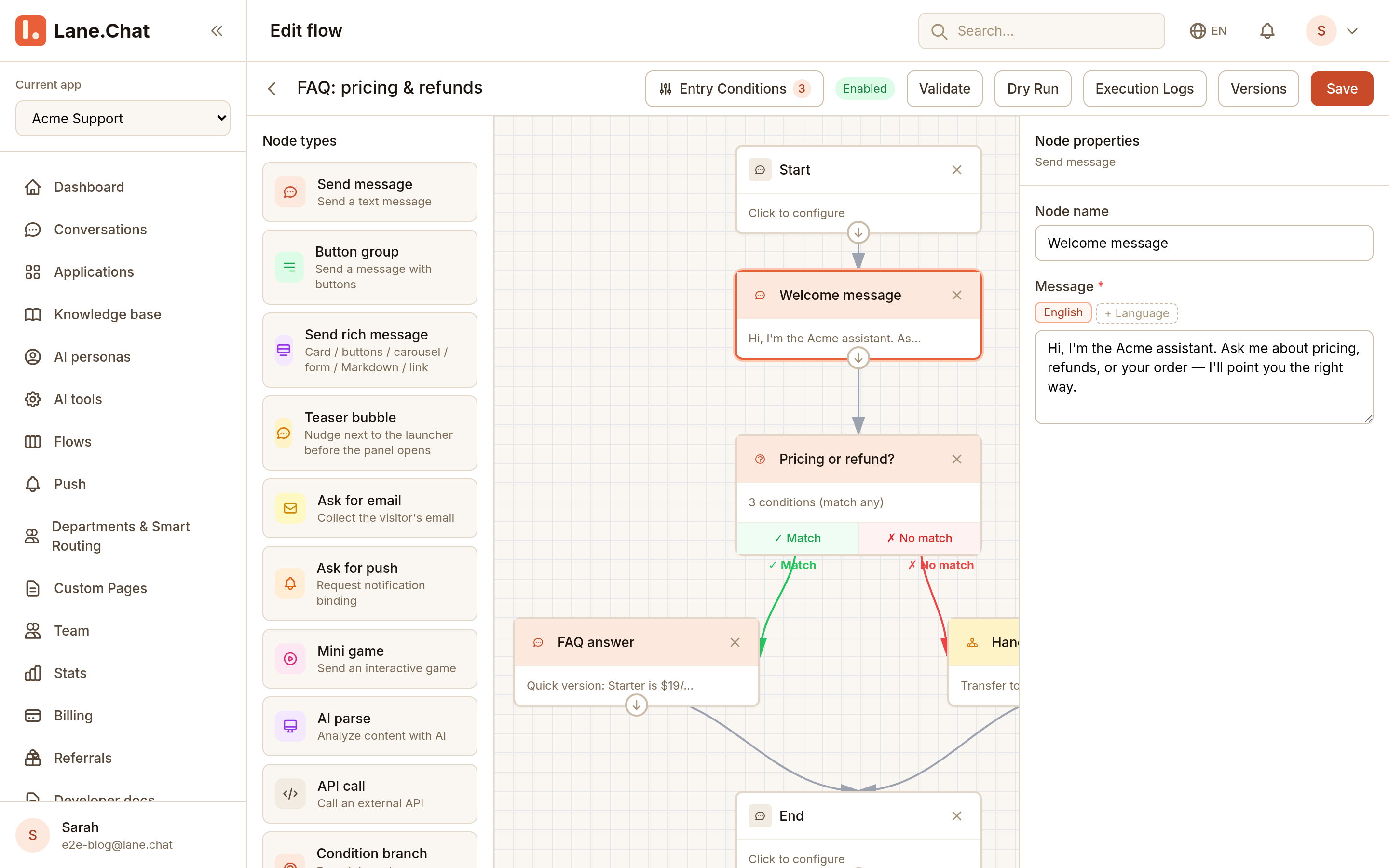
Don't write a wall of text. Visitors won't read it.
Step 3: Add a Condition node for keywords
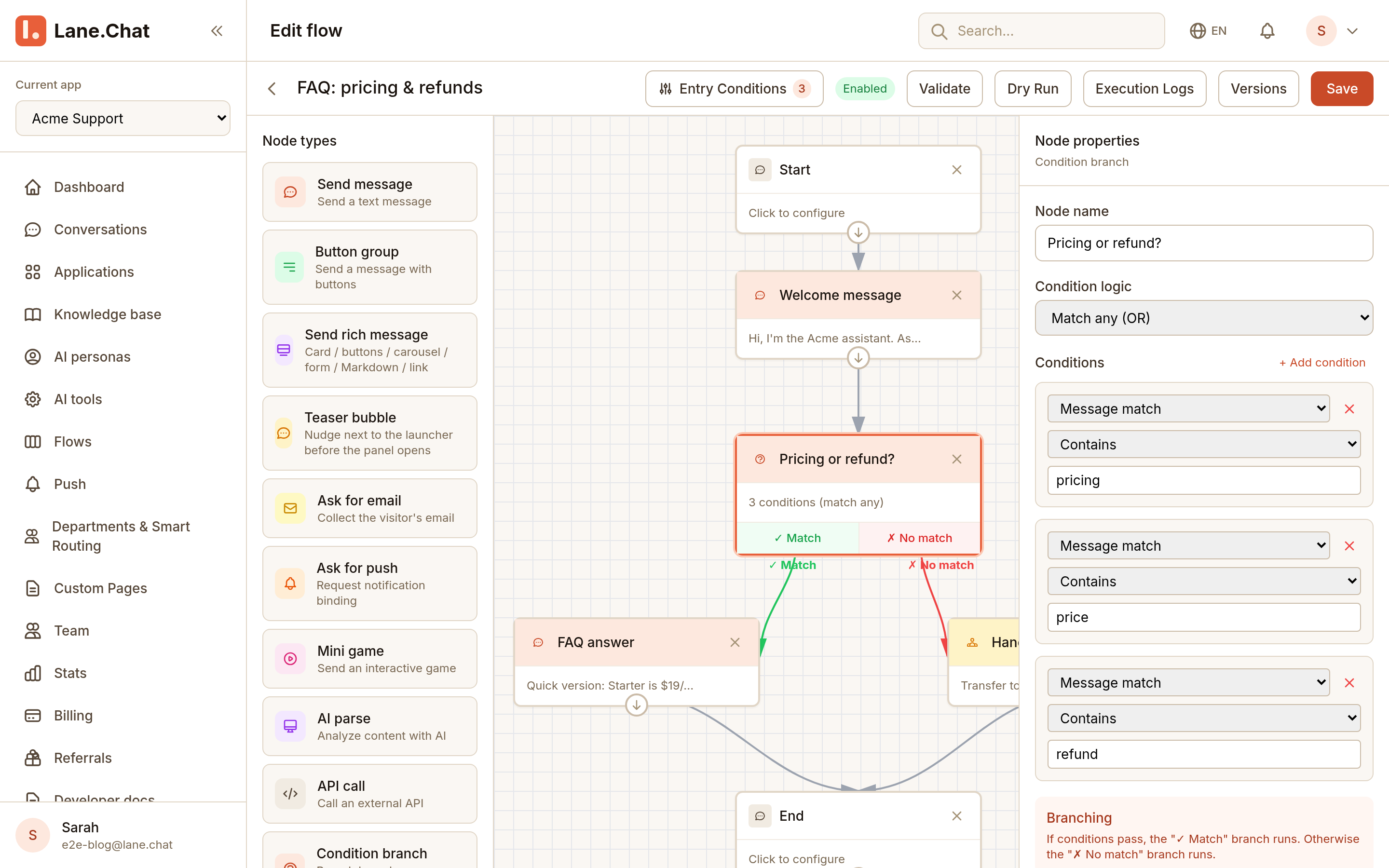
Wire a Condition node after Welcome. Rule type: Message contains keyword. List your top hits: price, refund, bug, login. Each keyword gets its own outgoing edge; a Default edge catches everything else.
Step 4: Route each branch into an FAQ answer
Attach a Send message node to every keyword branch. For price, answer with your plans and link /pricing. For refund, paste the refund policy. Keep each reply three sentences max.
End each answer with "Did that help? Reply 1 to continue, 2 to talk to a human." Always give an escape hatch.
Step 5: Default edge goes to handoff
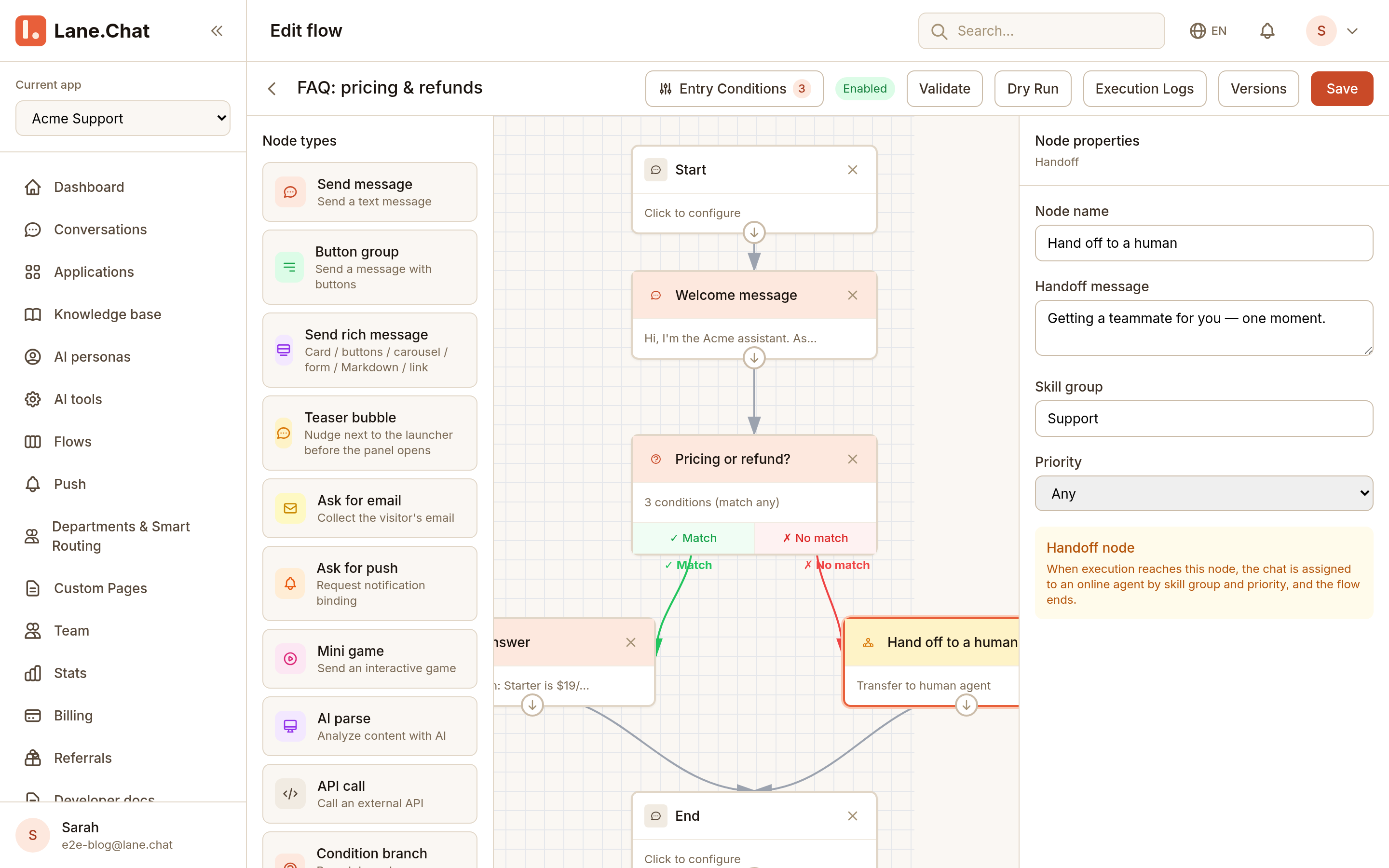
The Default edge (no keyword matched) points at a Transfer to agent node. Pick the default agent group, priority normal. Follow it with a quick Send message: "Grabbing a human for you, hang on a sec."
Step 6: Publish and test with a real number
Hit Publish. Open a new conversation from your own Telegram or the web widget. Send three things: a keyword (price), another keyword (refund), and gibberish (asdf). Confirm each one lands where you expect.
When a path goes wrong, check the Flow execution log — every conversation has a full trace.
截图清单 / Screenshots Checklist
01-new-flow-entry.png— New Flow button and naming dialog in the console02-welcome-node.png— Welcome node message editor04-faq-branches.png— Canvas view of all FAQ branches05-handoff-node.png— Transfer-to-agent node config